 WindReignWindReign
WindReign
From your first field to the frontiers of a civilization.
Build cities, command armies and expand your borders across nine ages.
Includes Google sign-in and custom avatars. Use the same test build as your friends to play together.
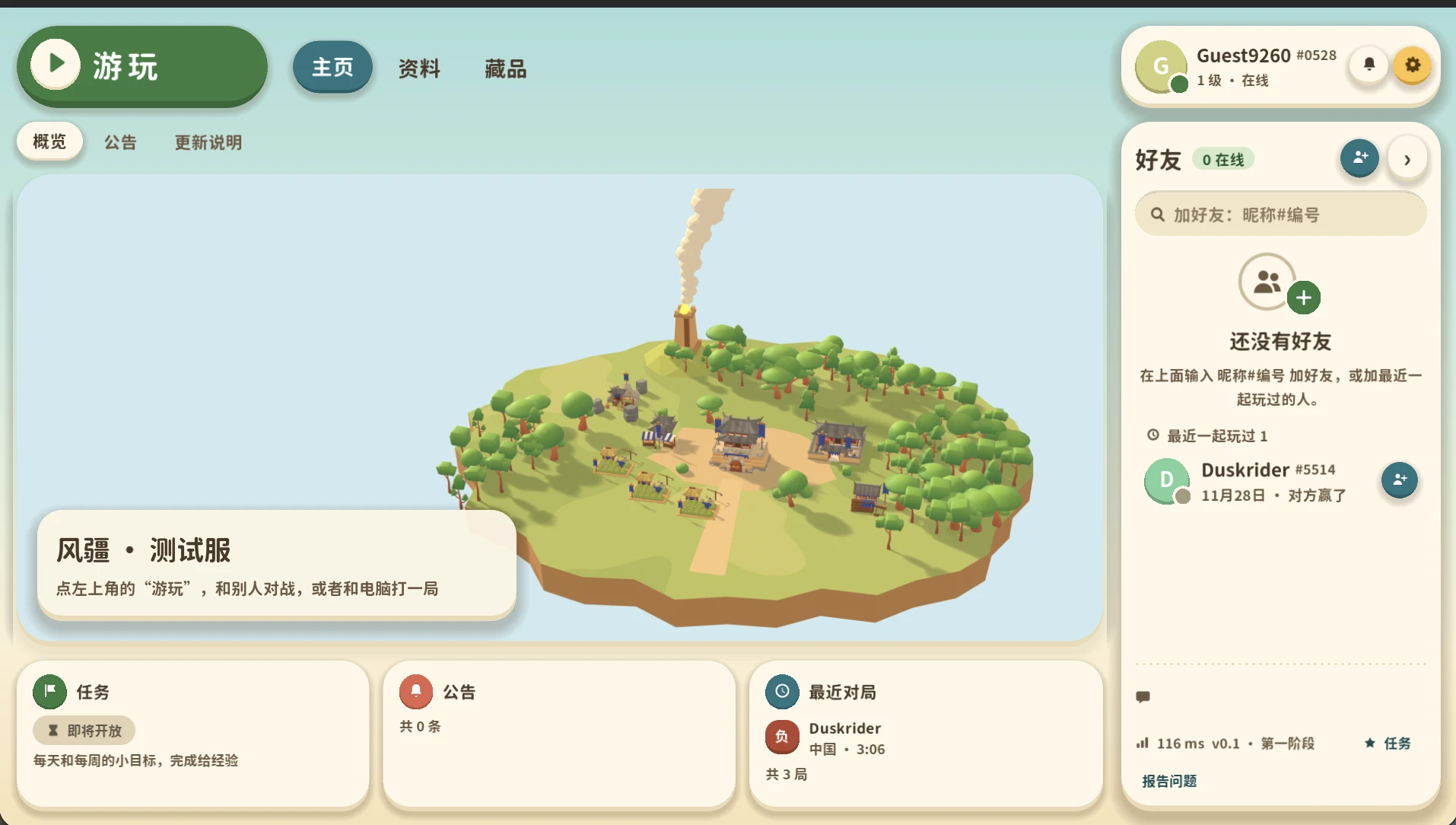
Game screenshots
15 images from the test buildPlayer guide
Install and play your first match
On an Apple Silicon Mac, open the DMG and drag WindReign into Applications. This build has not been notarized by Apple. If macOS blocks the game, see the illustrated first-launch guide. Sign in or enter as a guest, then select Play at the top left. Choose Custom, confirm and add a computer opponent to start your first match.
Put your first workers to work
Select a worker with a left click. Right-click a completed farm, lumber camp or mine you own to start gathering. Press the period key to find the next idle worker.
Give your troops an order
Drag with the left mouse button to select soldiers. Right-click the ground to move. Press A and click a destination to attack enemies encountered along the way.
Join a friend’s room
One player creates a room and shares its eight-character code. The other enters the code to join. Both players then mark themselves ready.
Common shortcuts
| H | Focus the town centre |
| . | Select the next idle worker |
| Shift + . | Select all idle workers |
| A → left click | Attack-move |
| S | Stop the current action |
| ⌘ + number | Save a control group (Mac) |
| Number key | Select a group. Double-tap to centre the view. |